
“It all starts with writing.” That single phase has stuck with me since I first heard it from Sean McCabe. It doesn’t matter what you want to create. Whether it’s writing a book, making a movie, making an application, making a podcast… it really does all start with writing.
The history of my writing apps.
I write a lot inside of WordPress, howeve,r it’s not typically where I start an initial idea. In years past, I was a huge fan of writing with Evernote, especially for taking notes. I then migrated everything from Evernote to Google Drive. The idea that everything is just a file felt correct. More open and not stuck in a closed database.
Along the way, I picked up Simplenote for quick note-taking or a simple brain dump while keeping Google Docs for everything else. That said, I’m a huge fan of the markdown format and have been looking for what’s next. Storing everything in Google Drive and Simplenote feels wrong and too complicated. I use these tools because they’re free and convenient, not because they’re what’s best.
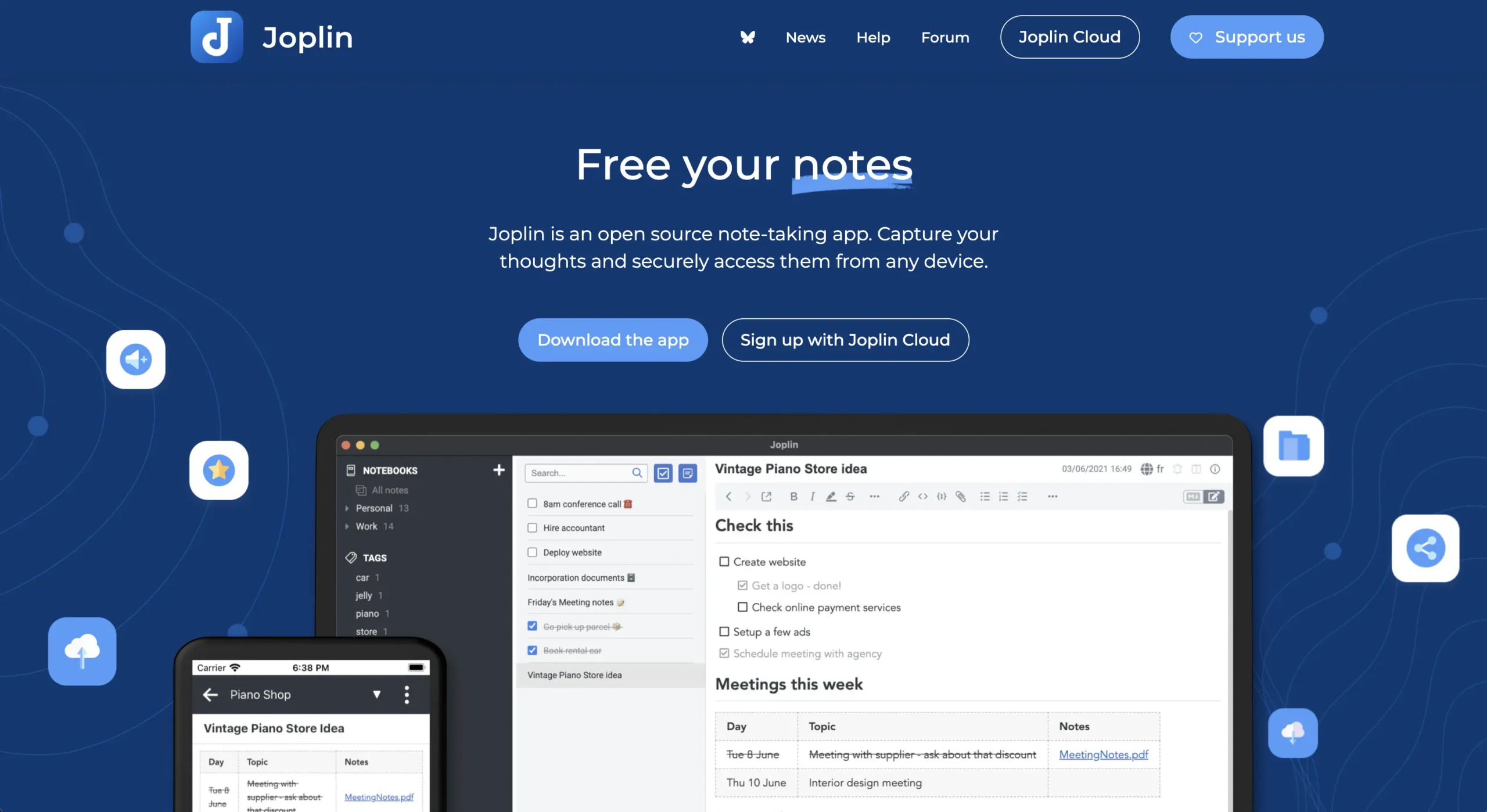
Personally, I find the best writing experience to be a good and simple markdown writer. Preferably one that works offline and syncs across all platforms. Also, it needs to come with dark mode. So I did some hunting and discovered Joplin, which appears to check all of the boxes.
- Dark mode 👍
- Works offline 👍
- Markdown 👍
- Sync 👍
Migrating from Simplenote
The web version of Simplenote has an option under Settings -> Tools -> Export notes. This will generate a single zip with all of your notes, which can be imported as txt into Joplin.
Migrating from Google Drive
From Google Drive, you can download a zip of any folder of docs. These documents download as .docx files, which need some help to get into Joplin. On Mac, install Pandoc brew install pandoc. Next cd into the directory with all of the .docx files and run the following bash script. This will use Pendoc to convert them to markdown format and also preserve the original date created and modified timestamps from the Google Docs files.
for f in *.docx; do
  # Define the new markdown filename
  md_file="${f%.docx}.md"

  # 1. Convert the file, specifying "commonmark" as the output format
  pandoc --to commonmark -o "$md_file" "$f"

  # 2. Copy the timestamp from the original to the new file
  touch -r "$f" "$md_file"
done
With that we can import these newly generated markdown files into Joplin.
Using a B2 bucket for centralized sync across all devices.
Not only is Joplin free and open source, but it also supports syncing using your own storage buckets: https://joplinapp.org/help/apps/sync/s3. This is great for many reasons. First, the storage fees using a B2 bucket are really cheap when compared to using a paid note-taking application. Also, it means you truly own your data.
Final thoughts
The open source world is full of hidden gems like Joplin. It’s a shame that these tools aren’t more popular when compared to proprietary services. Going from Markdown to a WordPress blog post is as simple as pasting markdown content into the WordPress block editor. If you’re a developer and want to try out a fancier method, then you should try out Beckon, my markdown kanban style board, which runs locally on your computer.
