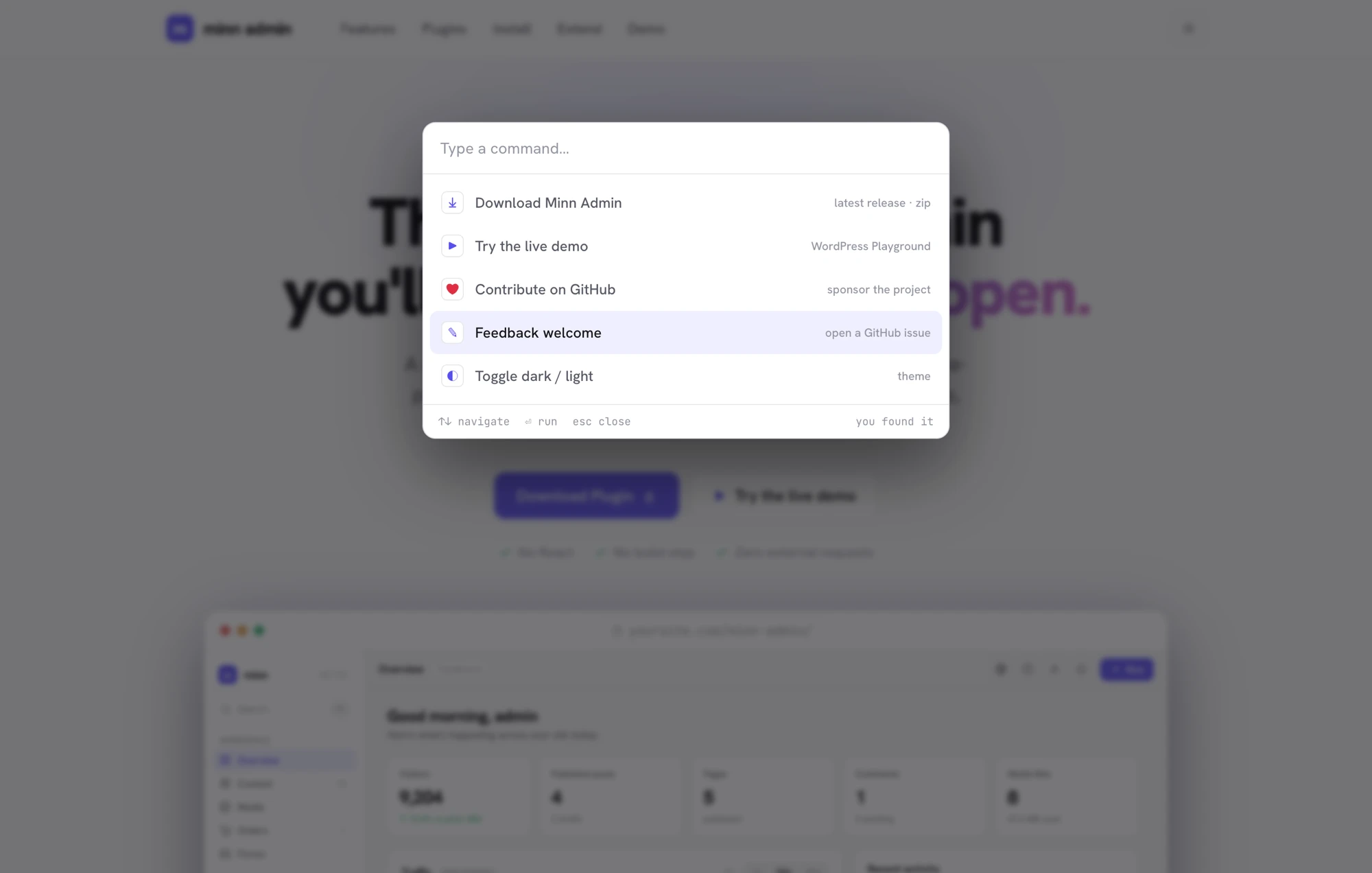
Two weeks ago I replaced /wp-admin/ on my own WordPress sites with /minn-admin/. This is my fourth attempt at building a WordPress backend replacement. This round I used Claude Design with Fable to build a standalone WordPress plugin. This how it started.
Creating a beautiful wp-admin UI is easy. Getting it functional enough for anyone to use it, that’s the hard part.
The WordPress admin is twenty years of accumulated chrome. Everybody who runs a site has a list of things they hate about it. Reproducing a cleaner version is a solved design problem. You can do it in an afternoon and it will look fantastic in a screenshot.
Adoption is the wall. A prettier admin has to be more useful than the one people already know, on the exact tasks they already do, or they bounce back to the thing they know, which just works. There is a balance between functionality and design. Before we dig into my newest projects, here is a quick recap of my previous attempts.
Attempt #1: Replace wp-admin with a custom built Vuetify panel.
Back in December 2020 I built Vuetifused. The pitch was “Say goodbye to wp-admin”. A minimalist Vue and Vuetify single page app that stayed out of WordPress’ bloated backend. The theory was simple. Replacing /wp-admin/ with a Vuetify powered interface would be significantly better.
The mechanism was blunt. On admin_init, if you had it enabled, the plugin loaded its own template and called die(). The real dashboard never rendered. You got a clean Vuetify app with three data tables. Content, Themes, Plugins. That was the whole thing.
It was a good afternoon of work. Literally an afternoon. Every commit in the repo lands on December 27, 2020, a roughly thirteen hour burst from the first release to the last tweak. Then nothing.
The reason it died is written into its own readme, as a disclaimer. It will “most certainly not be compatible with any plugin backends.” Once you call die() on wp-admin you own the entire admin surface. But WooCommerce settings, Gravity Forms entries, an SEO plugin’s config, all of that lives in the wp-admin, which defeats the whole purpose. Vuetifused could manage core objects and nothing else. The moment you needed anything a plugin rendered, you were stuck.
Attempt #2: Hide wp-admin and admin bar and just decorated it.
Five years later I came at it from the opposite direction with CaptainCore Helm.
Helm did not replace wp-admin. It decorated it. The complaint it answered was that WordPress navigation is disjointed. The sidebar, the top bar, the tools available to you all change depending on whether you are on the frontend, the backend, the Site Editor, the Customizer, or inside a page builder.
So Helm added one consistent layer over all of it. A searchable command palette it called the Quick Menu, and a floating dock called The Island. Same navigation everywhere. And I mean everywhere. Frontend, backend, Block Editor, Customizer, Elementor, Divi, Beaver Builder, Bricks, Etch, and even the wp_die() white screen you land on when something breaks. Two PHP classes, one vanilla JavaScript file, no build step.
The Island update shipped in January 2026. It was genuinely nice to use and my daily driver until my latest creation. But Helm never stopped being a layer on top of wp-admin. It made the clutter easier to navigate. It did not remove it. Underneath the beautiful dock, the same twenty year old dashboard was still rendering, notices and all.
Attempt #3: Replace WordPress entirely with a new CMS framework.
Between those two I took the most ambitious attempt. With my first exposure to Claude Code I went crazy and in 1 week created an entire CMS from scratch, mostly compatible with WordPress at the database layer. That project is called the Minnow Framework.
Minnow was not a wp-admin replacement. It was a WordPress replacement. A clean CMS written in modern PHP that reads and writes the exact same database tables. Same wp_posts, same wp_users, same wp_options. Existing users log in with their existing passwords, because it understands WordPress’ password hashing.
That part alone would have been ambitious however that was just the beginning.
The ambitious part was a compiler. Minnow could ingest a real WordPress plugin, statically parse it with an AST scanner, and emit a declarative blueprint of everything the plugin was. Its database schema, its REST routes, its admin pages, its shortcodes, its hooks. Then a code generator read that blueprint and produced a fully native Minnow plugin on the new runtime. Twenty-one extractors on the way in, twenty-six code templates on the way out, with an AI-assisted step in the middle to fill the gaps static analysis could not reach.
It actually runs on https://minn.xyz. There are ported versions of Gravity Forms, Rank Math, Redirection, GravitySMTP and Code Snippets sitting in the repo. There is a core:port command that moves a live site’s wp-admin, wp-includes and wp-content into a backup folder and drops Minnow in their place, on the same host, against the same database, ideally without users noticing.
I used it only to prove you could build a CMS in a week and host something not WordPress on a WordPress host. It worked and then I stopped, because maintaining a from-scratch reimplementation of the entire WordPress plugin ecosystem is a full time job and frankly there are more useful things to solve with Claude Code. Have you seen my security audit work?
Three attempts, different approaches, all tackling the same core issue. A very messy wp-admin.
Deleted wp-admin with a die() and drew a Vue app in its place. Died in a day, because it could only manage posts, themes and plugins. Everything a plugin rendered had nowhere to go.
Left wp-admin intact and layered one consistent navigation over every context, page builders and error screens included. Lovely to use, but the clutter it was hiding never actually went away.
Rebuilt WordPress itself, plus a compiler that transpiled real plugins onto the new runtime. Proved it in production once. Then reality set in about who maintains a thing like that.
A good AI agent quietly removed half the reasons to open wp-admin.
Here is what changed between Minnow and today. I started using Claude Code for way more then just coding. Claude Code is my primary way I drive edits to WordPress. Not the WordPress backend itself.
Think about why you actually open wp-admin. A lot of it is configuration and one-off operations. Change a setting. Bulk edit some posts. Wire up a redirect. Rotate a credential. Look something up. Those are exactly the tasks a good agent does better than you clicking through a settings page, because it can read the site, hit the REST API, and verify its own work.
Once an agent handles the bulk of what you use wp-admin, the replacement interface does not need to fully recreate everything wp-admin does. It does not need Gutenberg parity. It does not need every settings screen. It needs to make the handful of things you do every day fast and calm, and get out of the way for the rest.
So this time I built less. Or maybe less at first? 🤣
Minn Admin is a WordPress plugin. It serves a single page admin at /minn-admin/, built on the REST API. No React. No build step. One vanilla JavaScript file. I built it over 3 days with Claude Design and Fable, and the experience of using it is, genuinely, a joy.
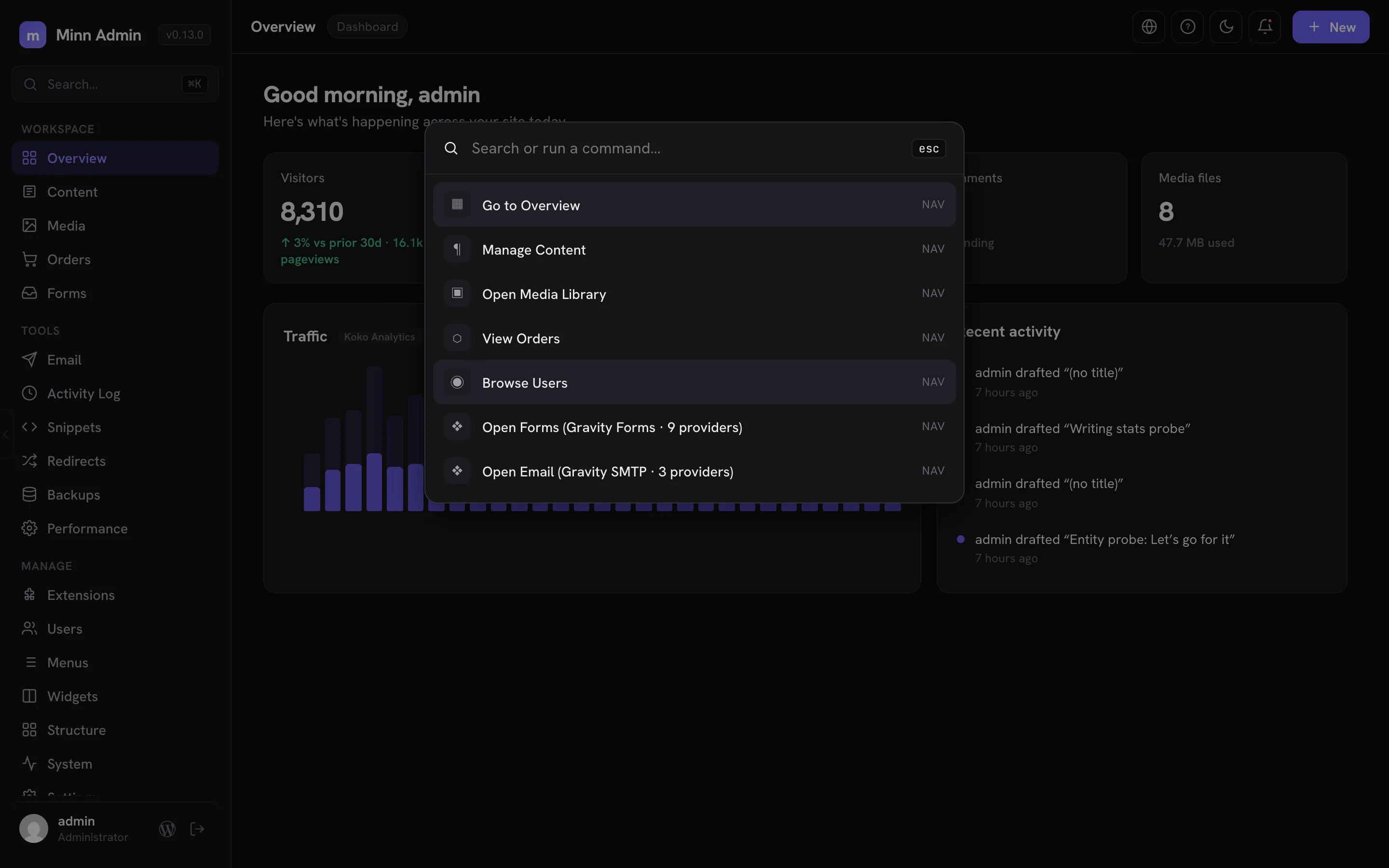
Minn Admin does not delete wp-admin the way Vuetifused did. It sits next to it. Everything Minn writes is native WordPress. Deactivate the plugin and nothing is lost or broken. The classic dashboard stays one click away.
It covers what you touch every day. Writing and moderating. Media. Users and their login sessions. WooCommerce orders. Extensions. A distraction free editor that keeps complex Gutenberg blocks intact instead of mangling them. And it deliberately does not try to be a page builder or rebuild every settings screen, because I no longer need it to. For me it has completely replaced CaptainCore Helm across all of my websites.
It even has a screen for handing an agent the keys. A revocable application password, plus a site-tailored guide of exactly which REST endpoints the site exposes, so Claude Code knows how to drive it without me pasting documentation.
What started as a 3 day project has quietly turned into something bigger. Once it became the interface I actually lived in every day, I could not stop fixing the little things I have always disliked about wp-admin.
A proper way to add plugins, for one. Minn Admin searches the WordPress.org directory and installs right from inside the app. No separate Add Plugins screen with its own layout and its own banners. The plugin surfaces that used to be scattered across a dozen different admin menus now merge into one sidebar, so Gravity Forms entries, a redirect manager, and an activity log all sit in the same place instead of wherever each vendor decided to bolt them on.
Right click works the way you expect it to. Right click a post, a user, a table cell, and a real context menu appears with the actions that make sense there. No more hunting for a row of tiny hover links.
The users screen can tell you who is actually signed in. Filter by active session, expired session, or never signed in, and sign anyone out of every device from the same row. Core WordPress cannot do any of that. It doesn’t surface who is currently logged in.
A notification system that stays out of the way.
WordPress admin notices are a free-for-all. Any plugin can render anything at the top of every page, on every screen, forever, and most of them do. It is partly the fault of the hooks and filters architecture, which makes it trivial. And it is partly vendors who have learned that with WordPress you can do whatever you want, so they do. Great for shipping a product. Miserable for the person who has to look at it every day.
I got annoyed enough about this to build an entire site about it. dismissed.fyi is a running hall of shame of plugins whose admin notices are out of control.
Minn Admin has a real notification center instead. Pending comments, available updates, recent activity, collected in one place, marked read once you have seen them, and otherwise silent. Nothing screams at you from the top of the screen. The site tells you what needs attention and then leaves you alone.
Even the plugin names are shouting at you.
Here is one example that captures the whole clutter problem. Look at what plugins are named on WordPress.org.
Vendors stuff keywords and taglines directly into the plugin name field, because the name is what shows up in search. So the real product name gets buried under a sentence of SEO. UpdraftPlus becomes “UpdraftPlus: WP Backup & Migration Plugin.” Wordfence becomes “Wordfence Security – Firewall, Malware Scan, and Login Security.” Your installed plugins list turns into a wall of marketing copy.
Minn Admin cleans it up. A small function trims the tagline junk and keeps the product name, cutting at the first real separator and stripping a trailing “by Vendor” only when a real name still survives. The untouched original stays as the row tooltip, so nothing is lost. Here is what it does to some of the worst offenders.
| What WordPress.org calls it | What Minn Admin shows |
|---|---|
| UpdraftPlus: WP Backup & Migration Plugin | UpdraftPlus |
| Rank Math SEO – AI SEO Tools to Dominate SEO Rankings | Rank Math SEO |
| Wordfence Security – Firewall, Malware Scan, and Login Security | Wordfence Security |
| All in One SEO – Powerful SEO Plugin to Boost SEO Rankings & Increase Traffic | All in One SEO |
| Akismet Anti-spam: Spam Protection | Akismet Anti-spam |
| CleanTalk Anti-Spam. Spam Firewall & Bot protection | CleanTalk Anti-Spam |
| GEO Plugin by Squirrly SEO | GEO Plugin |
| WPForms – AI Form Builder for WordPress – Contact Forms, Payment Forms, Survey Form, Quiz & More | WPForms |
None of it is magic. “SmartCrawl SEO checker, analyzer & optimizer” still comes out as “SmartCrawl SEO checker,” because the comma is where the marketing starts and the heuristic cuts there. But going from a wall of taglines to a readable list of real names is most of the battle.
Minn Admin is here today and there is no limit to where we go next.
Over the course six years and three attempts trying to out-build wp-admin, replace it, decorate it and fork the whole platform I’ve finally landed on Minn Admin. Yet another example of how something created in a weekend can genuinely change everything. Minn Admin is my true wp-admin replacement. I plan on continuing development for as long as it brings me joy. It leans on wp-admin for the long tail instead of fighting it, leans on an agent for the operations, and spends effort on things I do every single day and for pure delight.
Want to try it out? Feedback is welcomed!