
Uncategorized
-

Optimizing with Kinsta Analytics and KeyCDN
Kinsta just release a new analytics dashboard which contains a list of the top 30 bandwidth usage files. I thought I’d give it a look over to see if I…
-
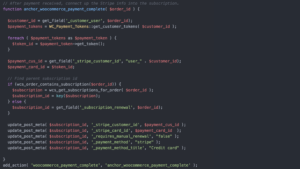
Auto Payments with Manual WooCommerce Subscriptions
WooCommerce Subscriptions is great way to handle recurring subscriptions on WordPress. You can create a WooCommerce Subscription product out of the box, which allows your customers to purchase a subscription…
-
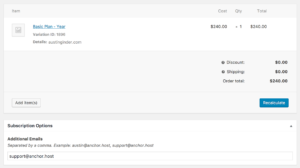
Multiple Email Recipients for WooCommerce Subscriptions
Last November I switched my hosting renewals over to WooCommerce Subscription. I previously used Xero to handle all of my subscriptions via a repeat invoice, however it wasn’t really intended to…
-
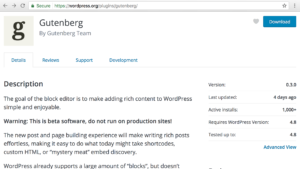
Exciting Times for WordPress with Gutenberg
There is a new WordPress editor currently under development called Gutenburg. Once ready, it will replace how you edit pages and write posts within WordPress. It’s ironic because just last…
-
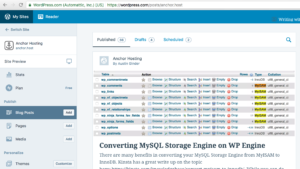
Writing With WordPress One Year Later
One year ago I made a commitment to post weekly on Anchor’s blog documenting my Adventures with WordPress & Business. I’ve been successful with no weeks missed! With that completed, I…
-
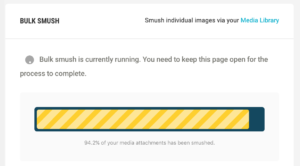
Image Optimization For Storage
For most people, image optimization doesn’t need to be all that complicated. If you want to take optimization beyond serving optimized images with Jetpack Photon then read on. Optimizing and…
-
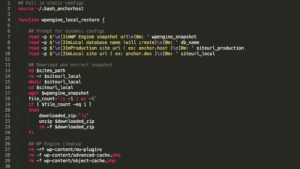
Restoring WP Engine Snapshot Locally
WP Engine has a built-in staging site which is awesome, however sometimes troubleshooting requires more direct access. For those times, I like to take a WP Engine backup snapshot and…
-
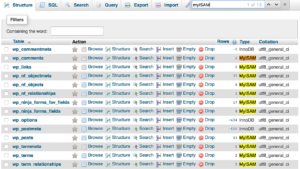
Convert MyISAM tables to InnoDB with SSH
There are many benefits in converting your MySQL storage engine from MyISAM to InnoDB. Kinsta has a great write up on the topic: https://kinsta.com/knowledgebase/convert-myisam-to-innodb/. While you can do this manually per…
-
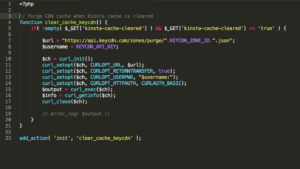
Integrating KeyCDN with Kinsta caching
It’s recommend that you use a CDN with Kinsta. This is due to the fact that they charge overage fees on data transferred. Currently Kinsta doesn’t have a built-in CDN option…
-
Migrating from WP Engine to Kinsta
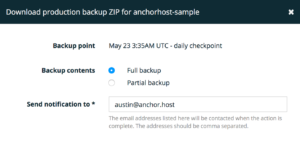
Moving WordPress sites between host providers is a fairly straightforward process. You generate a backup, import the backup, and reconfigure DNS to the new provider. With that said, doing it…